
Download Pola – Polaroid Photo Editor, Instant Photo Filter, Mobile Photo Tool
Overview
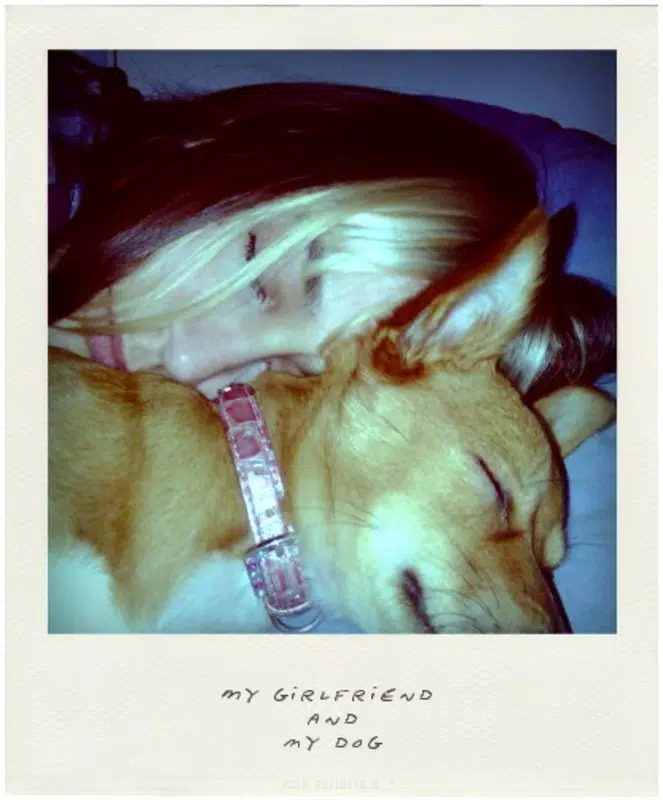
Pola is a minimalist mobile application designed to bring the tactile charm of instant Polaroid photography into the digital age. Its core purpose is to transform ordinary digital images into vintage-style Polaroid prints with just a few taps. The app addresses the growing desire among users to preserve the nostalgic aesthetic of physical instant photos, particularly in an era dominated by digital-only sharing. Pola caters to photography enthusiasts, casual users, and social media content creators who value authenticity and visual storytelling. By simulating the look of traditional Polaroid film—complete with white borders, subtle fading, and aged textures—it offers a unique way to present memories with a retro flair.
The app’s target audience includes individuals seeking a quick, accessible method to enhance their photos without complex editing tools. Whether for personal keepsakes, social media posts, or digital scrapbooking, Pola provides a streamlined solution. While the developer’s background is not publicly detailed, the app’s longevity since its release on January 17, 2011, speaks to its enduring relevance in the mobile photo editing space. Its ability to deliver consistent results without requiring installation highlights its utility as a lightweight, on-demand tool. In the broader app ecosystem, Pola occupies a niche but valuable position—offering a focused, high-impact experience for users who prioritize simplicity and style over advanced features.
Key Features & Functionality
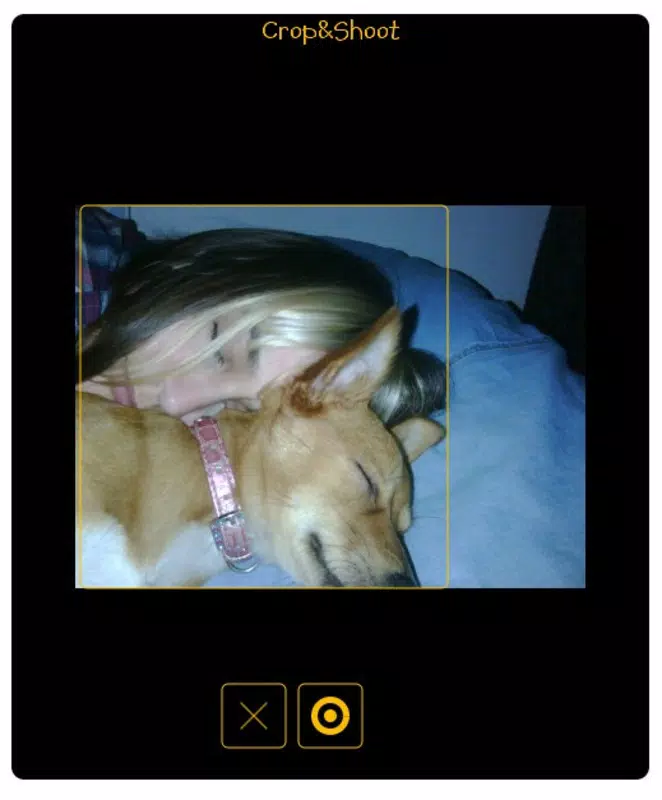
- Quick Image Processing: Users can select any image from their device’s gallery and instantly apply the Polaroid transformation. The processing is designed to be rapid, enabling immediate preview and sharing, ideal for spontaneous photo sharing.
- Classic Polaroid Frame: The app automatically crops and frames the image within a realistic white border, mimicking the physical dimensions and appearance of traditional Polaroid film, enhancing visual authenticity.
- Customizable Text Options: A dedicated section allows users to add handwritten-style notes beneath the photo. Options include font size, style, and positioning, enabling personalization for messages, captions, or reminders.
- No Installation Required: Pola operates as a portable application, meaning it can be used directly without being installed on the device. This makes it ideal for temporary use, shared devices, or users with limited storage space.
- User-Friendly Interface: The layout is intentionally simple, with minimal navigation and intuitive controls. Even users with limited experience in photo editing can achieve professional-looking results quickly.
For example, a user preparing a birthday message can upload a photo, add a note like “Happy Birthday, Mom!”, and instantly generate a printable or shareable Polaroid-style image. Another use case involves a traveler documenting a trip—each photo can be transformed into a nostalgic keepsake with just one tap. These features collectively support a seamless workflow that emphasizes speed, authenticity, and personal expression.
Interface, UX & Performance
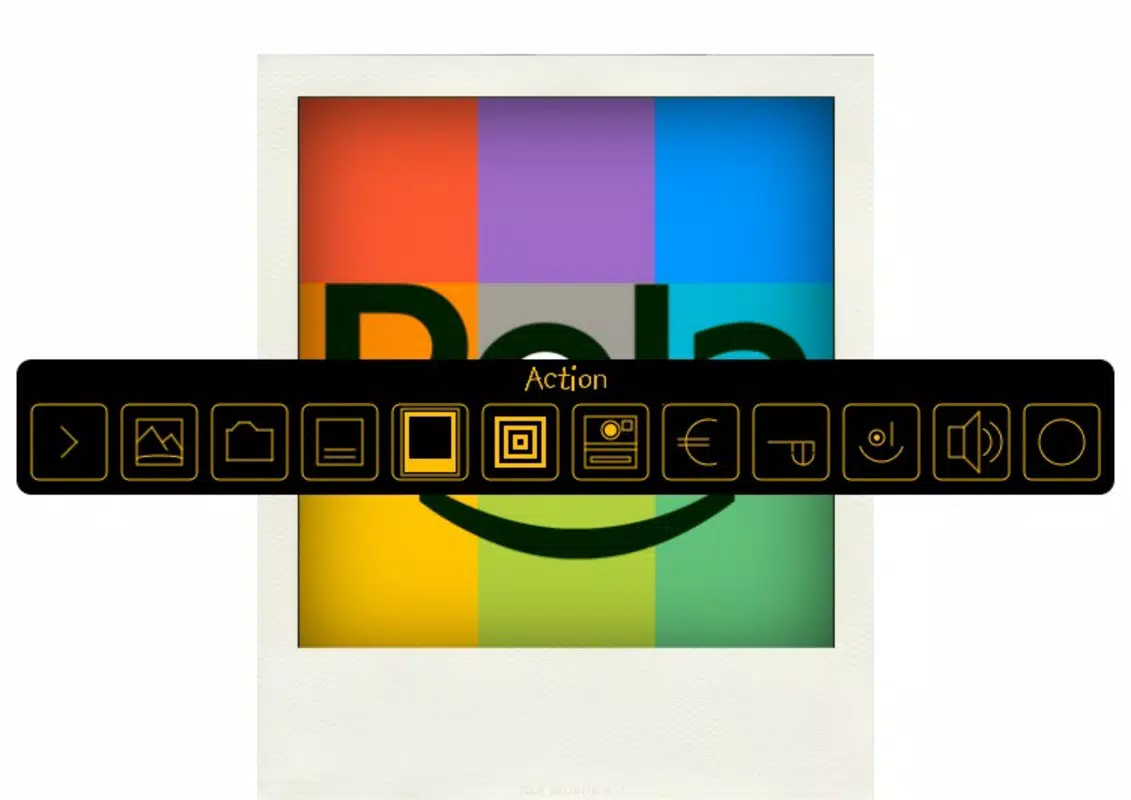
The interface of Pola is characterized by its clean, uncluttered design, focusing on essential functions without distractions. The main screen presents a straightforward upload option, followed by a preview of the transformed image with the Polaroid frame and text field. Navigation is linear and intuitive, guiding users through the editing process with minimal steps. The visual style aligns with the app’s nostalgic theme, using soft gradients and subtle textures that complement the vintage photo aesthetic.
Although the developer did not list formal performance metrics, the app’s lightweight nature suggests it runs efficiently across a range of devices, including older smartphones. Responsiveness appears to be consistent, with minimal lag during image processing and text input. Stability is implied by the app’s long-standing presence on the market, indicating reliable operation over time. The absence of installation requirements further contributes to a smooth user experience, reducing friction during access. However, specific requirements for device compatibility or performance benchmarks were not disclosed.
Platform Compatibility & Technical Requirements
Pola is available on both Android and iOS platforms, making it accessible to a wide audience of smartphone users. The app’s file size is minimal, reflecting its lightweight, portable design. While the exact operating system version requirements were not specified, the app’s release date of January 17, 2011, suggests it has been optimized for older and modern systems alike. Users should expect compatibility with most current smartphones, though specific hardware or software prerequisites were not provided by the developer. The lack of installation also means the app does not consume significant storage space, enhancing its portability across devices.
Pros and Cons
- Effortless transformation of digital photos into Polaroid-style prints
- Intuitive interface suitable for users of all skill levels
- Supports personalized notes with customizable text options
- No installation required—ideal for quick, temporary use
- Lightweight and efficient, with minimal storage impact
- Limited to basic photo editing—no advanced filters or effects
- Customization options are minimal compared to full-featured editors
- Developer did not provide detailed technical specifications
- Compatibility with specific OS versions not clearly stated
- May not support high-resolution image processing beyond standard mobile display
FAQ
Is Pola safe to download and use?
Pola is a lightweight, portable app that does not require installation, reducing the risk of system-level access. As long as it is downloaded from a trusted source, it is considered secure for personal use.
Can I use Pola without installing it on my phone?
Yes. Pola is designed as a portable application, meaning it can be accessed and used directly without being installed on the device, making it convenient for temporary or shared use.
Does Pola support high-resolution images?
The app processes images in standard mobile display resolution. While it handles typical photo sizes well, users should be aware that extremely high-resolution files may not be fully optimized for output.
Is Pola available for both Android and iOS?
Yes. Pola is compatible with both Android and iOS platforms, ensuring broad accessibility across major smartphone ecosystems.
How often is Pola updated?
While the developer has not publicly disclosed update frequency, the app has remained functional since its 2011 release, indicating ongoing maintenance and support.
Final Thoughts
Pola stands out in the crowded mobile photo editing space by delivering a focused, nostalgic experience with remarkable simplicity. It excels at one thing—transforming digital images into authentic Polaroid-style prints—and does so with elegance and speed. For users who value the charm of instant photography and want a no-frills tool to enhance their memories, Pola is an ideal choice.
Its lack of installation, intuitive interface, and customizable text features make it particularly valuable for casual users, content creators, and anyone looking to add a personal touch to their photos. While it doesn’t offer advanced editing capabilities, its strength lies in its precision and purpose. In a world of complex apps, Pola proves that less can indeed be more.
Download Pola now.


